
Square Appointments
Block
Free booking with unlimited staff calendars and Square payments
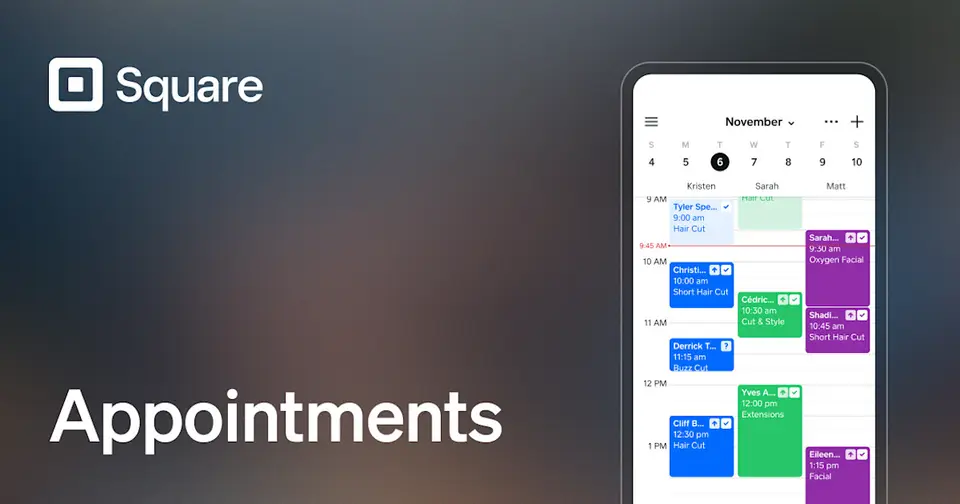
Square Appointments gives a free booking site, reminders, and unlimited staff calendars, and takes payment through Square. Plus ($49 a month per location) adds no-show fees, waitlists, and lower card rates. It suits salons, spas, and service shops already on Square.
Cost at your size
Team size
For 6 people: free.
Square Appointments costs $25.50 less than the median scheduling tool for 6 people ($25.50).
Figures from the vendor's published prices. How we calculate prices
What Square Appointments connects to
Square Appointments's integrations list names none of the payroll & HR tools in our catalog.
Payroll & HR tools in our catalog
Has a Zapier app
Getting help with Square Appointments
- How to reach them
- Phone (US): every plan · 6am–6pm PT M–F for the first 90 days on Square Free only; 6am–6pm PT M–F on Square Plus only; 24/7 on Square Premium only
- Live chat: plans not stated
- Email: plans not stated
- Community forum: every plan
- Help center: every plan
- Onboarding
- Square Pro (custom pricing, over $250,000/yr) can ask about onboarding and implementation support and account management (Square Pro only)
14 incidents posted on Block's status page, which covers all Block products and regions, in the 90 days to Oct 27, 2026; 0 marked major or critical by Block. Status page
A vendor that posts every small issue can show more incidents than one that posts few, so a low count doesn't prove fewer problems.
From Block's support and pricing pages, October 2026 · checked by us 2026-10-14 · How we gather this
Sources
- squareup.com/help/us/en, read 2026-10-13
- squareup.com/us/en/pricing, read 2026-10-13
- Phone: “Customer support: 1 (855) 700-6000” (squareup.com/help/us/en)
- Phone hours: “6am–6pm PT M–F for the first 90 days” (squareup.com/us/en/pricing)
- Phone hours: “6am–6pm PT M–F for the first 90 days 6am–6pm PT M–F 24/7” (squareup.com/us/en/pricing)
- Phone hours: “Get 24/7 phone support when you need it.” (squareup.com/us/en/pricing)
- Live chat: “Connect with an expert live or use our automated support assistant for help anytime.” (squareup.com/us/en/pricing)
- Email: “Connect with an expert over email.” (squareup.com/us/en/pricing)
- Community forum: “Get answers from Square sellers” (squareup.com/help/us/en)
- Help center: “Hi. How can we help?” (squareup.com/help/us/en)
- Onboarding: “You can also ask about hardware discounts, onboarding and implementation support, technical specialists, and account management.” (squareup.com/us/en/pricing)
What reviewers say about Square Appointments
- Capterra4.5 / 5 · 263 reviews
- G2See reviews on G2
- US App Store (iPhone app)4.9 / 5 · 195,321 ratings
Each site has its own reviewers, so we show the scores side by side and never average them. App ratings cover the mobile app only. Scores read Oct 28, 2026. How we show reviews
Why people pick it
- Free plan with unlimited staff
- Payments and POS built in
Where it falls short
- No-show fees need Plus
- Tied to Square payments
Alternatives in scheduling

Homebase Scheduling
Free up to 10 users
Shift scheduling and a time clock, free for up to 10 employees

Calendly
From $10/person
Appointment booking links for client-facing work

Jobber
From $29/mo
Quoting, scheduling, and invoicing for field service

Connecteam
Free up to 10 users
Shift scheduling, time clock, and chat for deskless teams
Are you Block? Feature Square Appointments at the top of scheduling, or sponsor it in search and the quiz, from $99 a month. You can also manage its links or correct the listing.